
Maximum clarity
Combining the list view and the board view allows your projects to be organised in a structured and flexible way. 2
1Tool · Functions Project module
Functions Project module
With 1Tool, you can plan your projects down to the smallest detail. You always have an overview of projects and individual tasks.
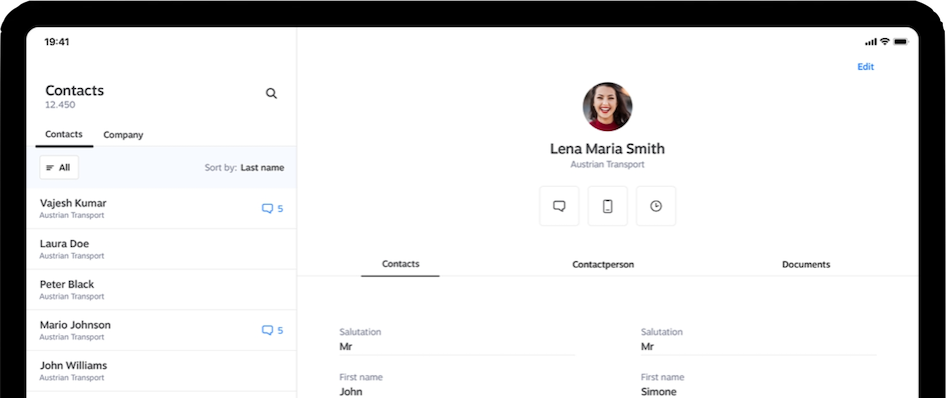

The 1Tool project overview software is the perfect tool for managing your projects in a structured and efficient way. It offers a central platform on which you can organize projects both in classic list views with intelligent filters and in an innovative board view à la Trello. The software therefore adapts ideally to your way of working and ensures maximum overview and flexibility.
1. Central project overview
3. Commercial information and reports


1Tool
Projektübersicht 1

Maximum clarity
Combining the list view and the board view allows your projects to be organised in a structured and flexible way. 2
Efficient task management
Whether in the classic list view or the board view: every task is clearly defined and easy to reach, so teams can work efficiently. 3
Transparency and control
With real-time updates and detailed reports you keep track of the current state of your projects and finances at all times. 4
Encouraging collaboration
Because notes and documents can be stored directly in the projects, the software improves communication and collaboration between team members. 5
Adaptability
Thanks to the flexible views and comprehensive filters, 1Tool fits your team's way of working perfectly — whatever its size and sector.
The 1Tool project overview software is suitable for a wide range of industries and working methods:
Agile project management
Use the board view for flexible, iterative ways of working.
Classic project management
The list view is ideal for extensive projects with detailed requirements.
Financial management
Manage budgets, revenue and costs directly in the software.
Working together
Encourage collaboration in teams with central document management and a notes function.

With its combination of list view and Trello-like board view, the 1Tool project overview software stands out from other solutions:
Intuitive and flexible
Two views that adapt seamlessly to the way you work.
Central and connected
Every piece of project information in one place.
Real-time data
Always current information on tasks, finances and progress.
Comprehensive and scalable
Suitable for teams of any size and for widely differing requirements.
The 1Tool project overview software is the ideal solution for companies that want to manage projects in a structured and efficient way.
Flexibility
Choose between the classic list view and the visual board view.
Transparency
Keep track of the progress of your projects and tasks at all times.
Zusammenarbeit
Nutzen Sie Notizen, Document management und Echtzeit-Updates für eine reibungslose Teamarbeit. With 1Tool, you can bring structure to your projects and promote agility and productivity at the same time. Try the software today and experience how simple and flexible project management can be!
You pay per workstation, not per feature. Cancellable monthly, servers in Austria.
Thirty minutes, your processes, our software — no obligation and no jargon.
Try it free