
Appointments and map
The day’s appointments with location, contact person and route; open jobs nearby on the map.
1Tool Inspect · For your technicians
Your technicians see their appointments, record damage with photos and measurements, have the customer sign and send off the finished PDF report. Even in a basement with no signal.
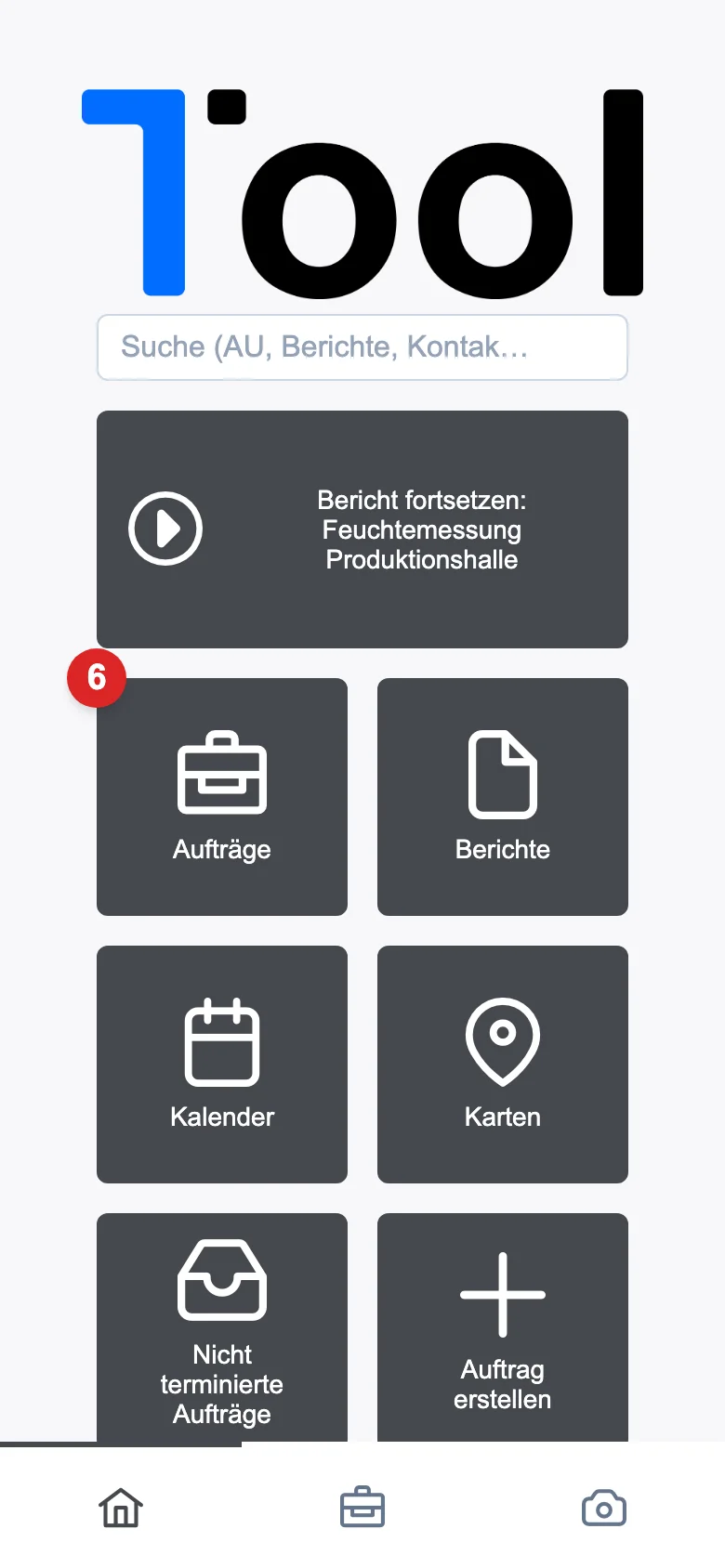
With address, contact person and documents.
Photos, measurements and services, section by section.
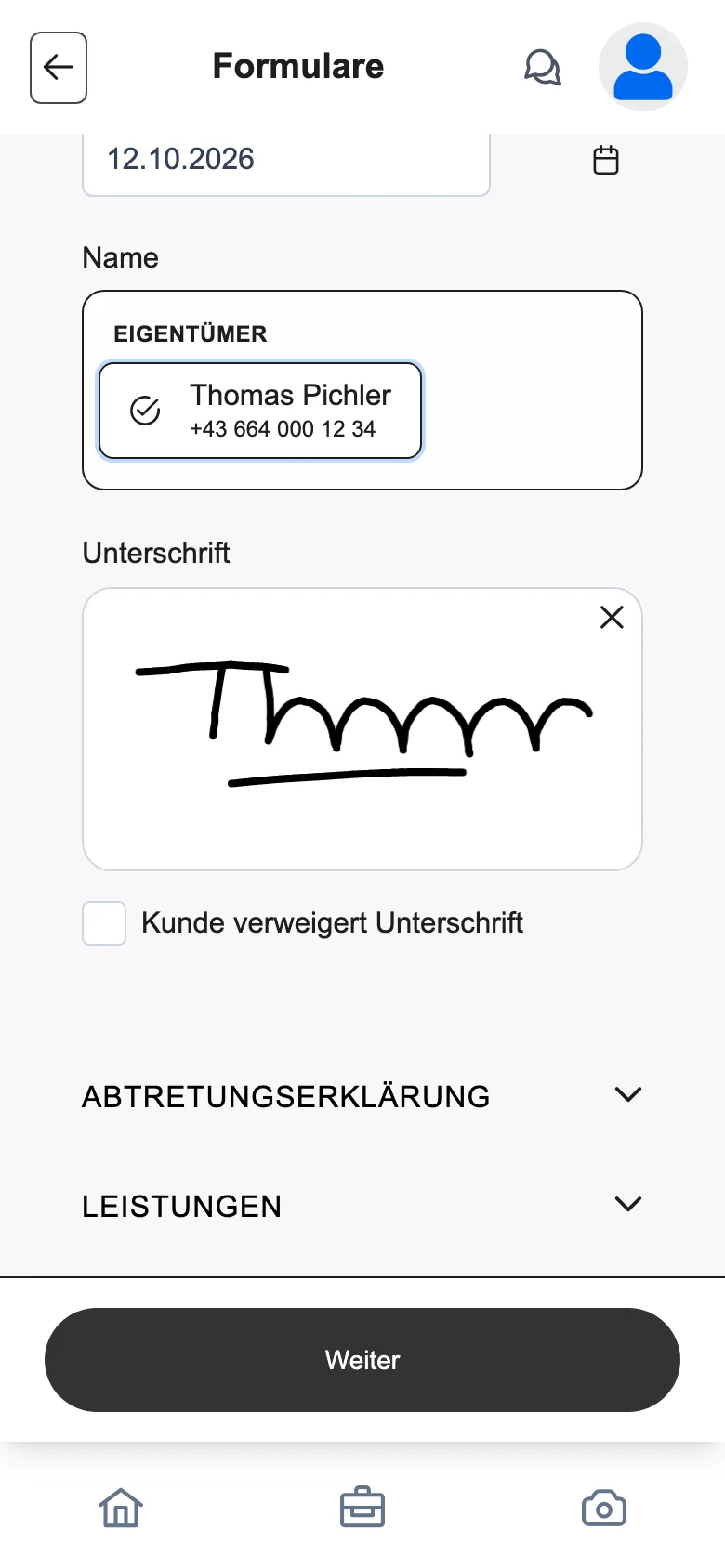
The customer confirms right on the device.
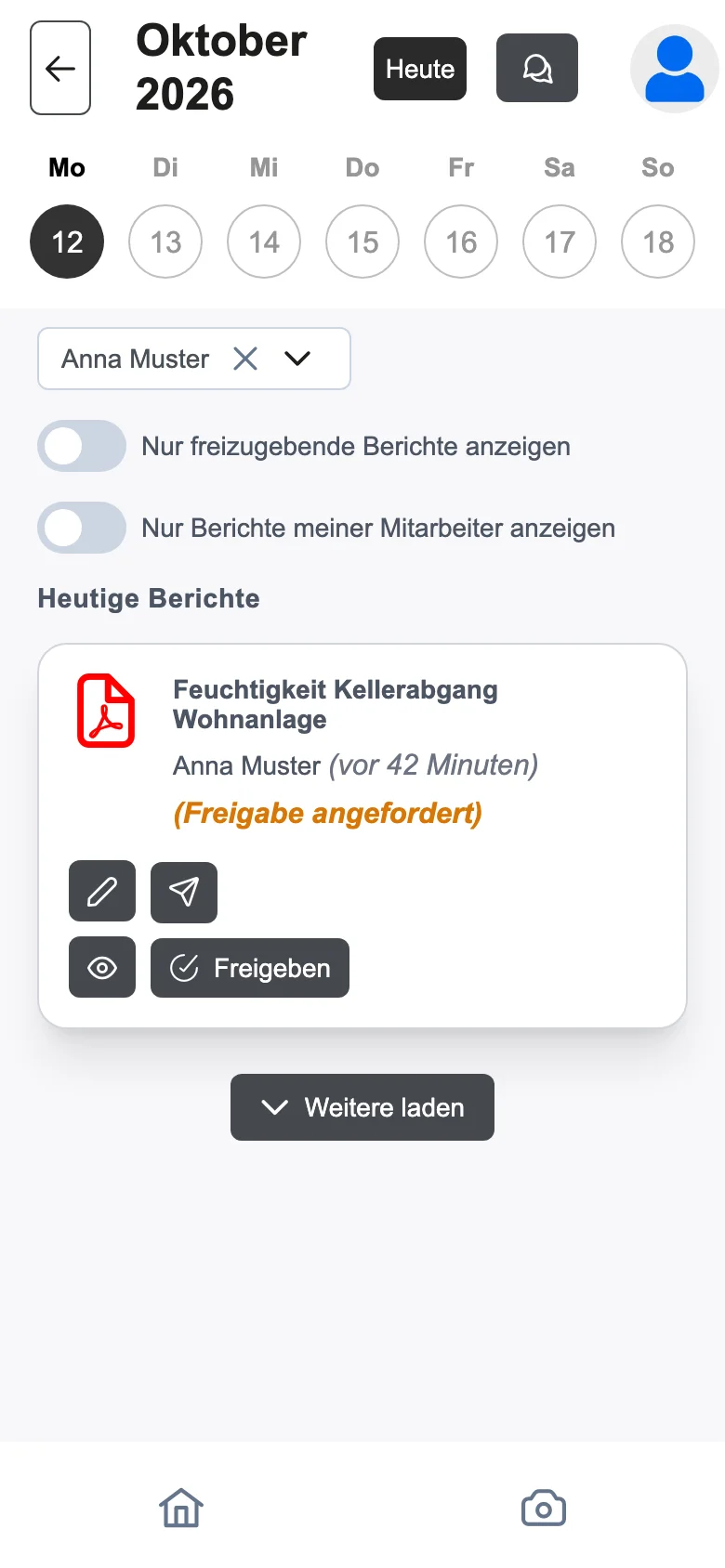
As a PDF, to the customer after approval.
The day’s appointments with location, contact person and route; open jobs nearby on the map.
Reason for visit, exterior view, measurement log, findings, next steps and people present.
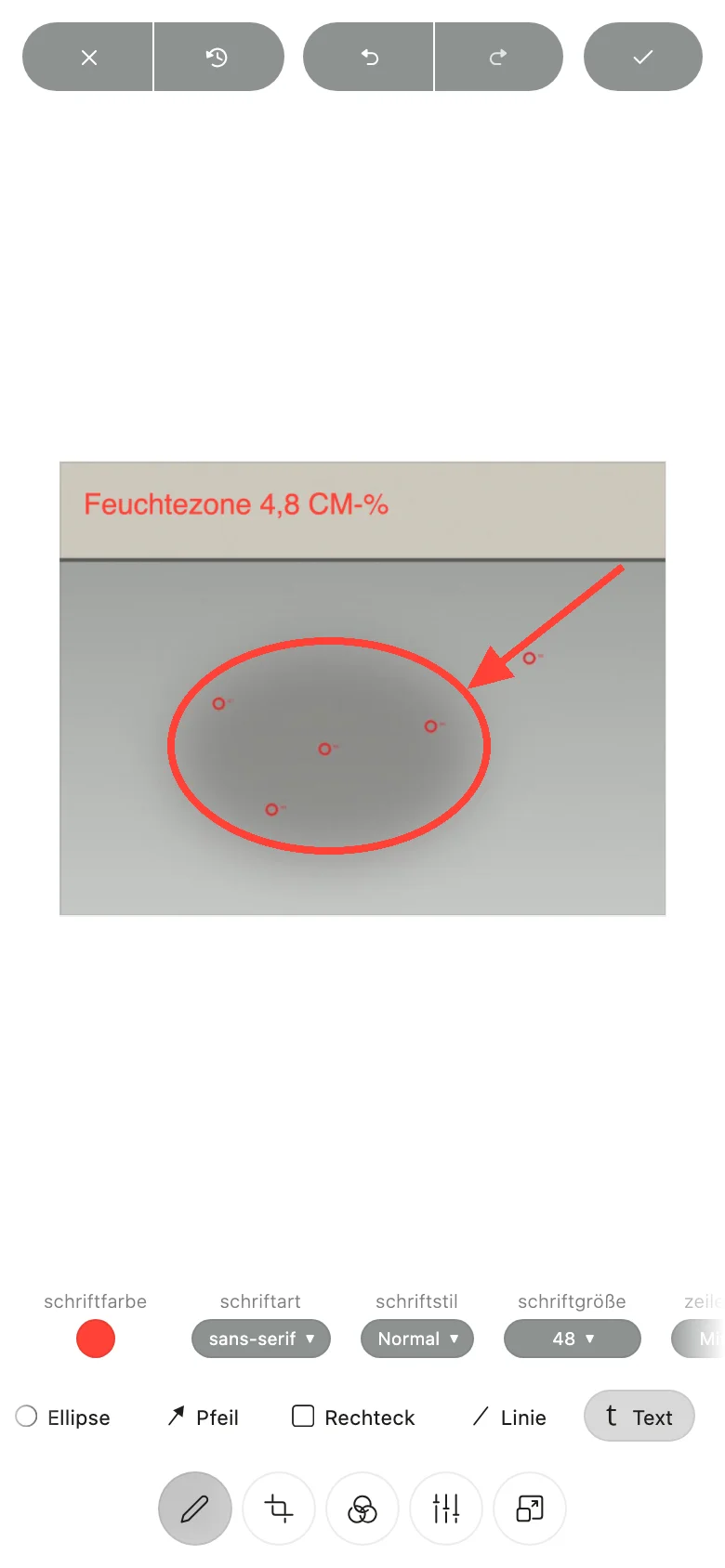
Arrow, rectangle, circle, text or freehand right on the photo – each image assigned to the right section.
Record quantities and custom items, track working time with start and stop.
Have order confirmations and declarations signed on the device and send them by email.
The report is generated in the background, and a supervisor approves it.
Appointments, files and contacts in one search field.
Writing assistance and spell-checking for the report.
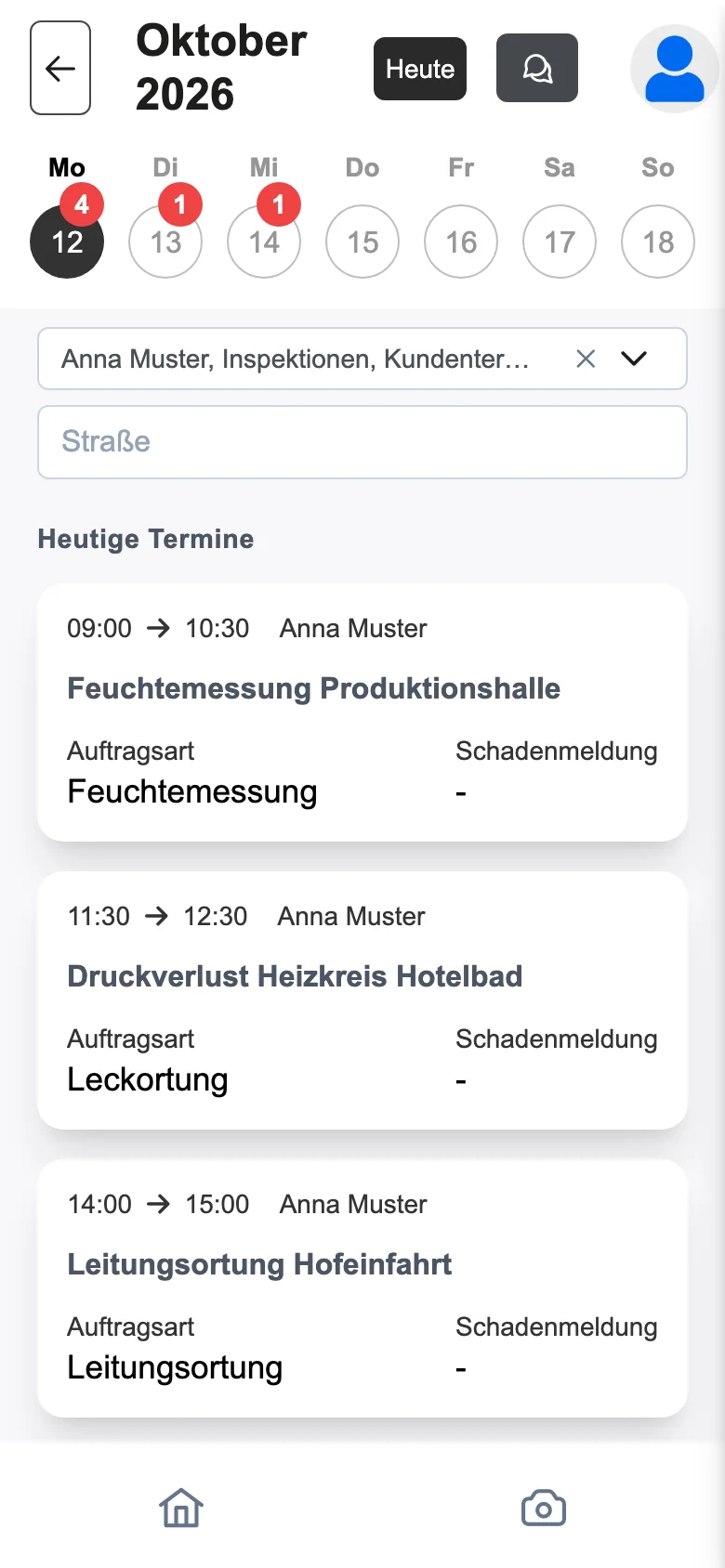
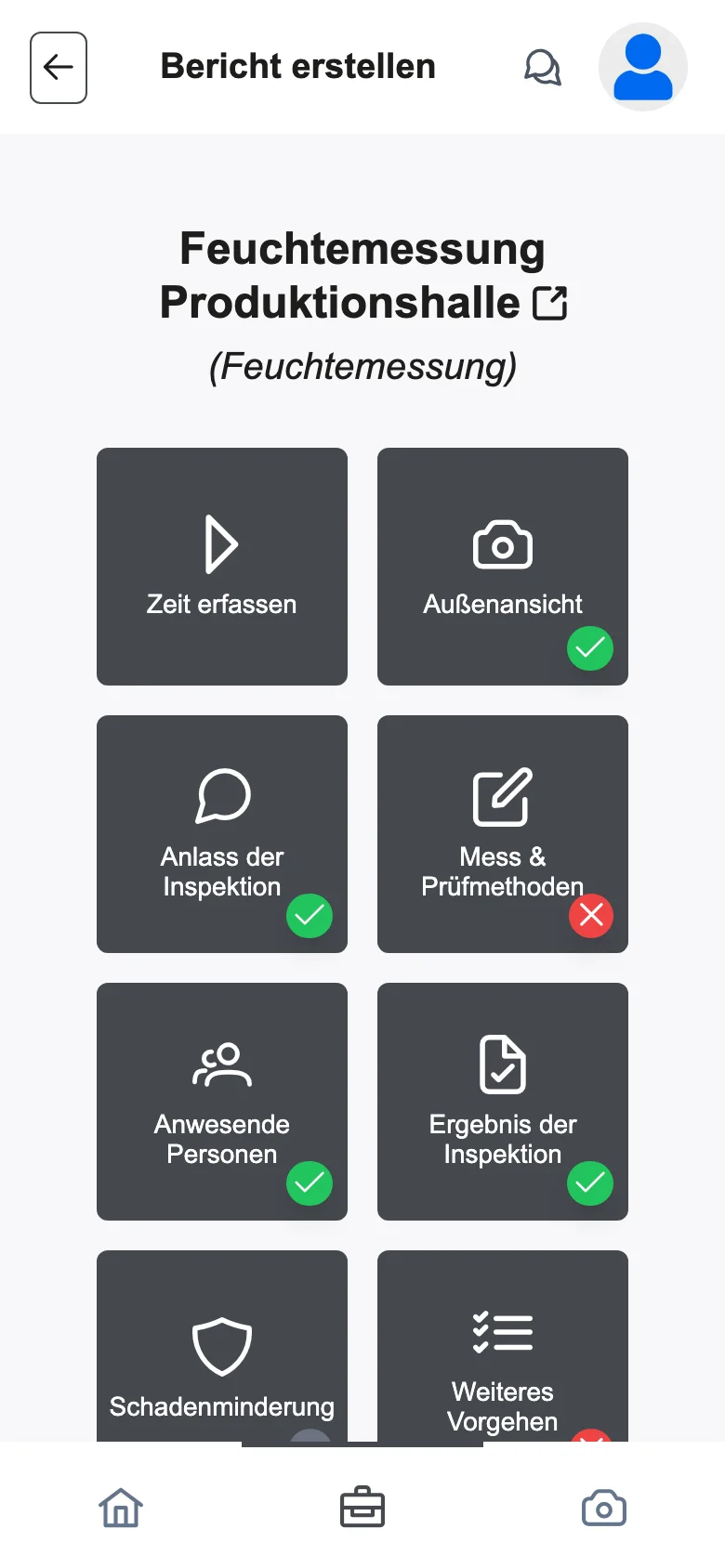
Sample data from our demo tenant – all companies and names are fictional.
Appointments, orders, contacts, products and time tracking come from 1Tool and flow back there. The report is filed with the order, and the hours are booked.
Everything is saved on the device first and synced as soon as there is a connection again.
Yes, contacts and orders can be created right at the customer’s location.
With their 1Tool account or their Microsoft account.
Thirty minutes on screen, with your own workflows – and a clear answer on whether the app is right for you.