
Active training
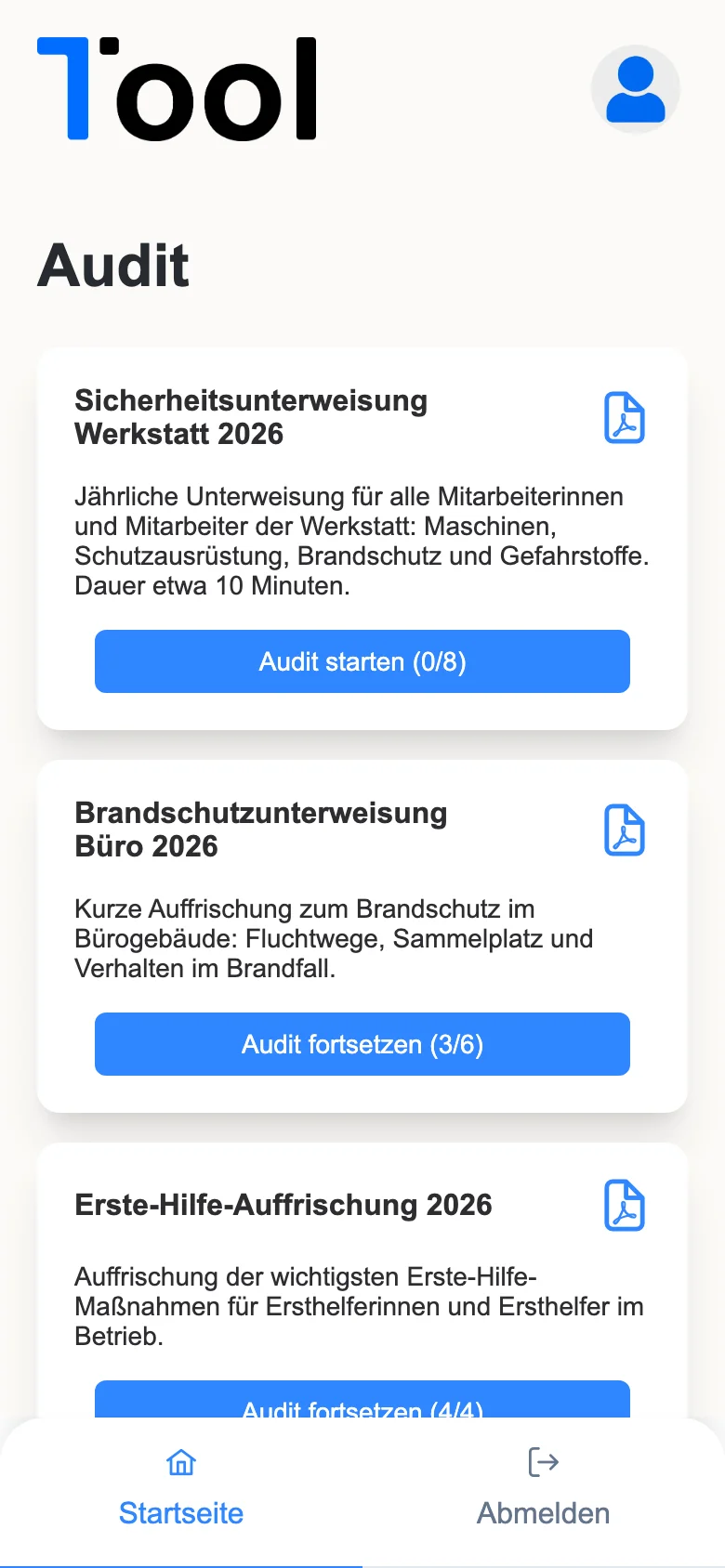
All open briefings and surveys with progress – start or continue.
1Train · For your employees
Watch the video, answer the questions, get a PDF record – your employees complete safety briefings, training and surveys on their phone or PC.
With the 1Tool account.
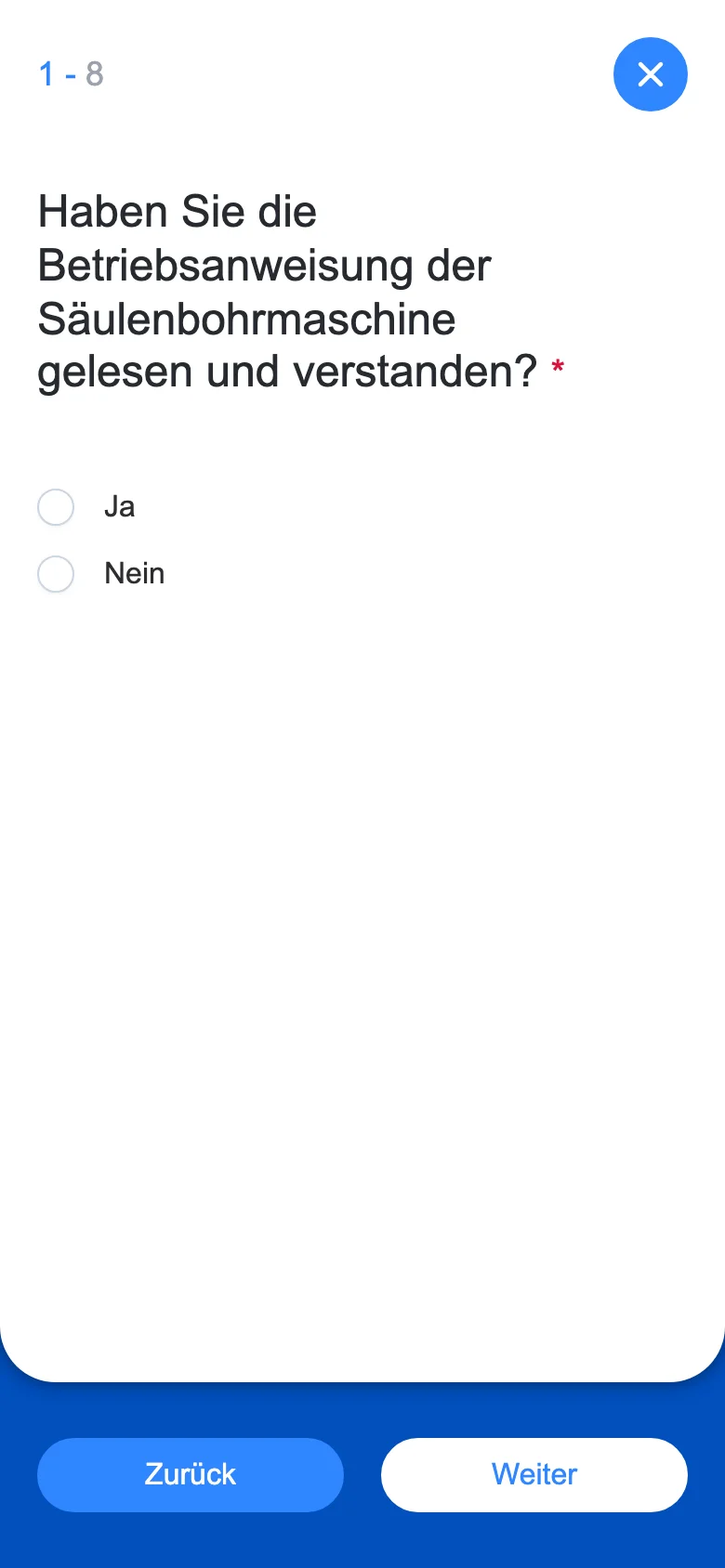
Watch the video, answer the questions.
Required questions are checked.
A PDF with all answers, for you and the employee.
All open briefings and surveys with progress – start or continue.
The training video embedded directly.
Single and multiple choice, scale, free text and photo upload.
Checked before moving on.
The app picks up at the first unanswered question.
With all answers and your logo – view, download or send by email.
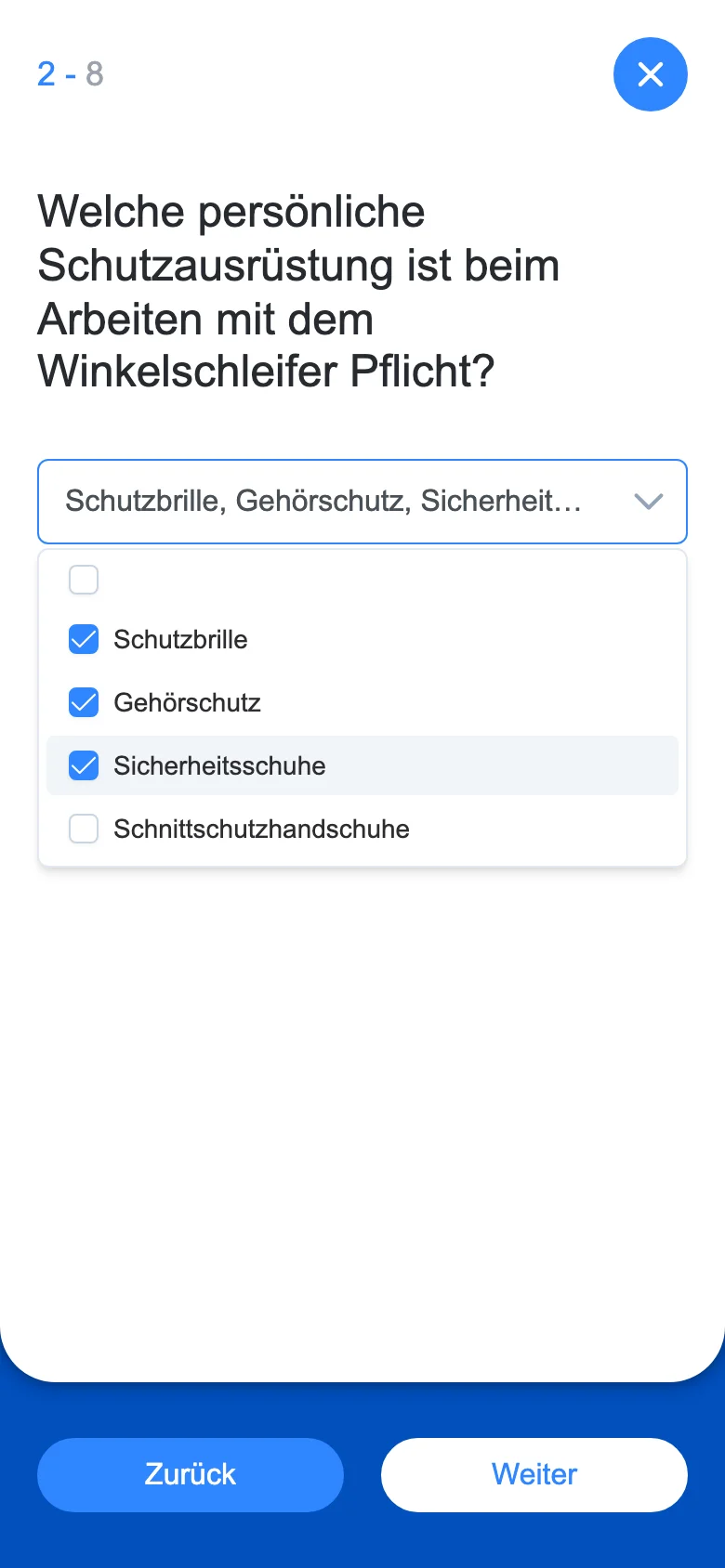
Sample data from our demo tenant – all companies and names are fictional.
Questions and answers live in the 1Tool survey module. That is where you create the training courses and evaluate the answers.
In the 1Tool survey module – with video, questions and required fields.
Yes, a PDF with all answers and your logo.
Yes, in the browser or as an installed app.
Thirty minutes on screen, with your own workflows – and a clear answer on whether the app is right for you.