
Create tickets
With deadline, custom fields, comment, file upload and photos straight from the phone camera.
Support Portal · For your customers
Your customers report issues themselves, see the status of every ticket and pick up documents and invoices – no phone calls, no email ping-pong.
You decide which contacts get access and what they see.
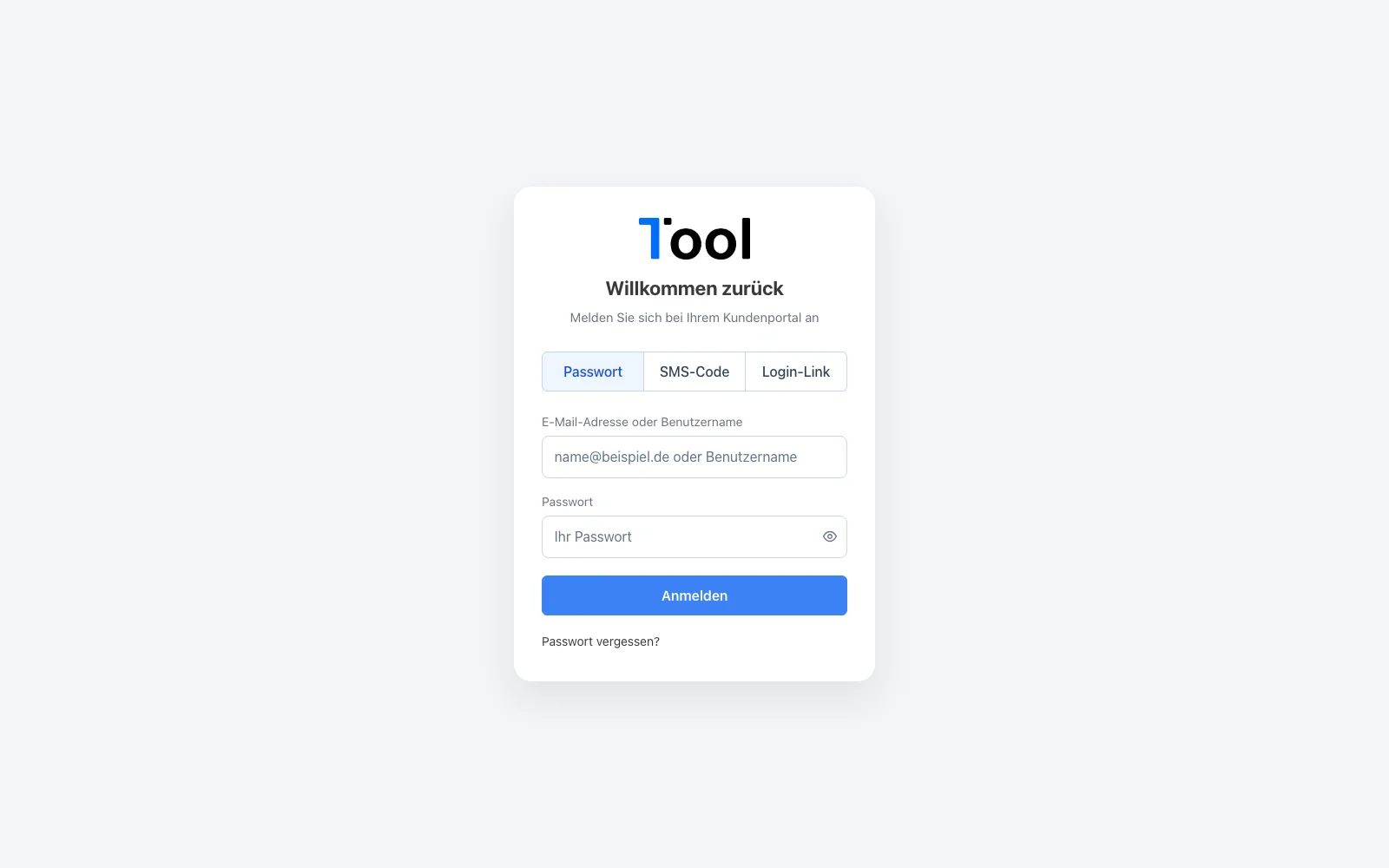
With a password, SMS PIN or email link.
Your team handles it like any other ticket.
Every comment and every status change is visible in the portal.
With deadline, custom fields, comment, file upload and photos straight from the phone camera.
Open or done, priority, deadline, contact and date range – show or hide columns as needed.
Formatted comments and documents. When the customer replies, “Waiting for customer reply” ends automatically.
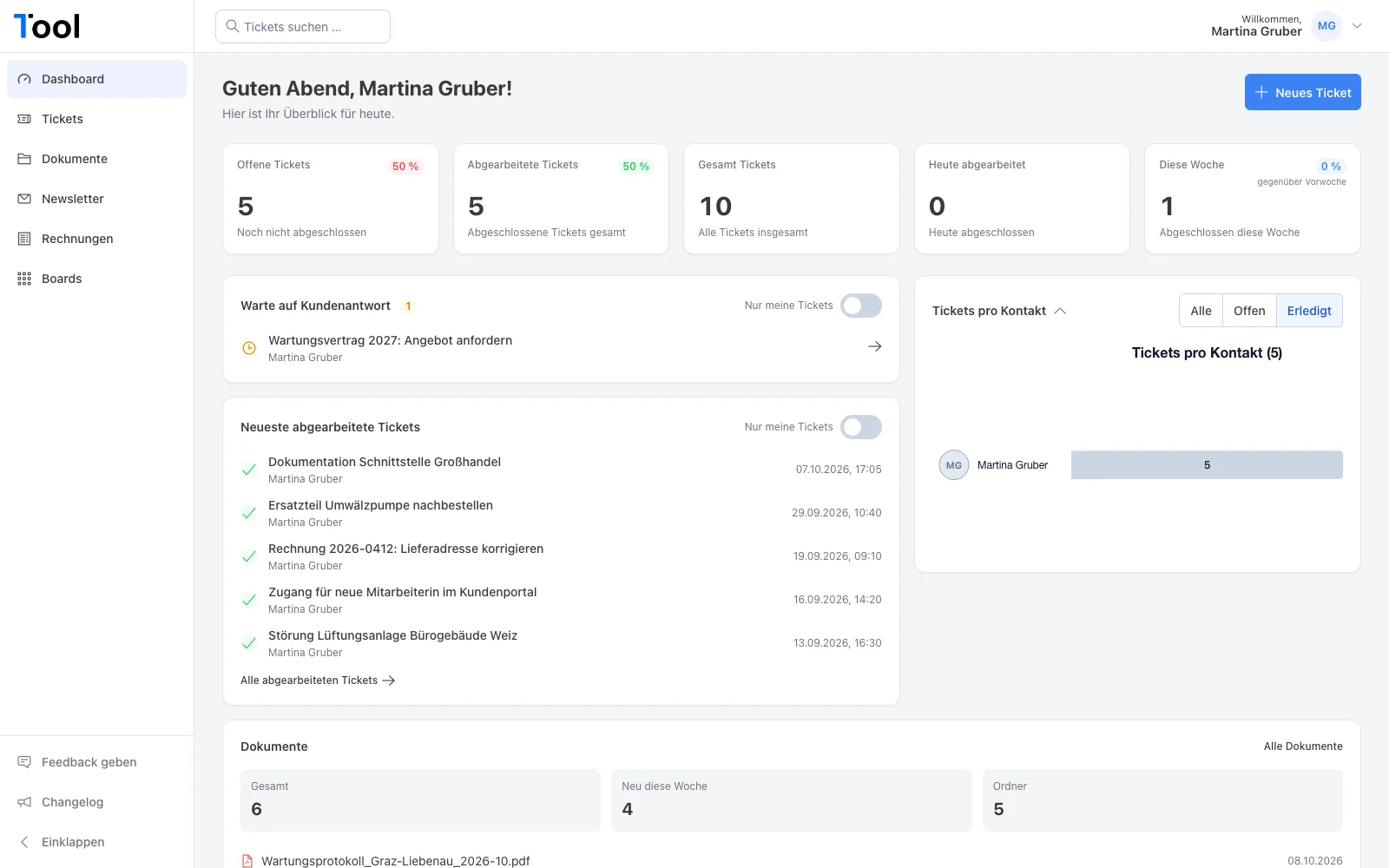
Open and completed tickets as figures and a chart, tickets waiting on the customer, and new documents.
Deadlines as a list and a calendar, ticket history as a chart.
Folder tree with preview, including PDFs, and drag-and-drop upload into shared folders.
All of the customer’s invoices, ready to download as PDF.
Whatever you share with the customer shows up in the portal – including past newsletters.
Via SMS PIN or an email link, or with a password if preferred. Your logo on the sign-in page.
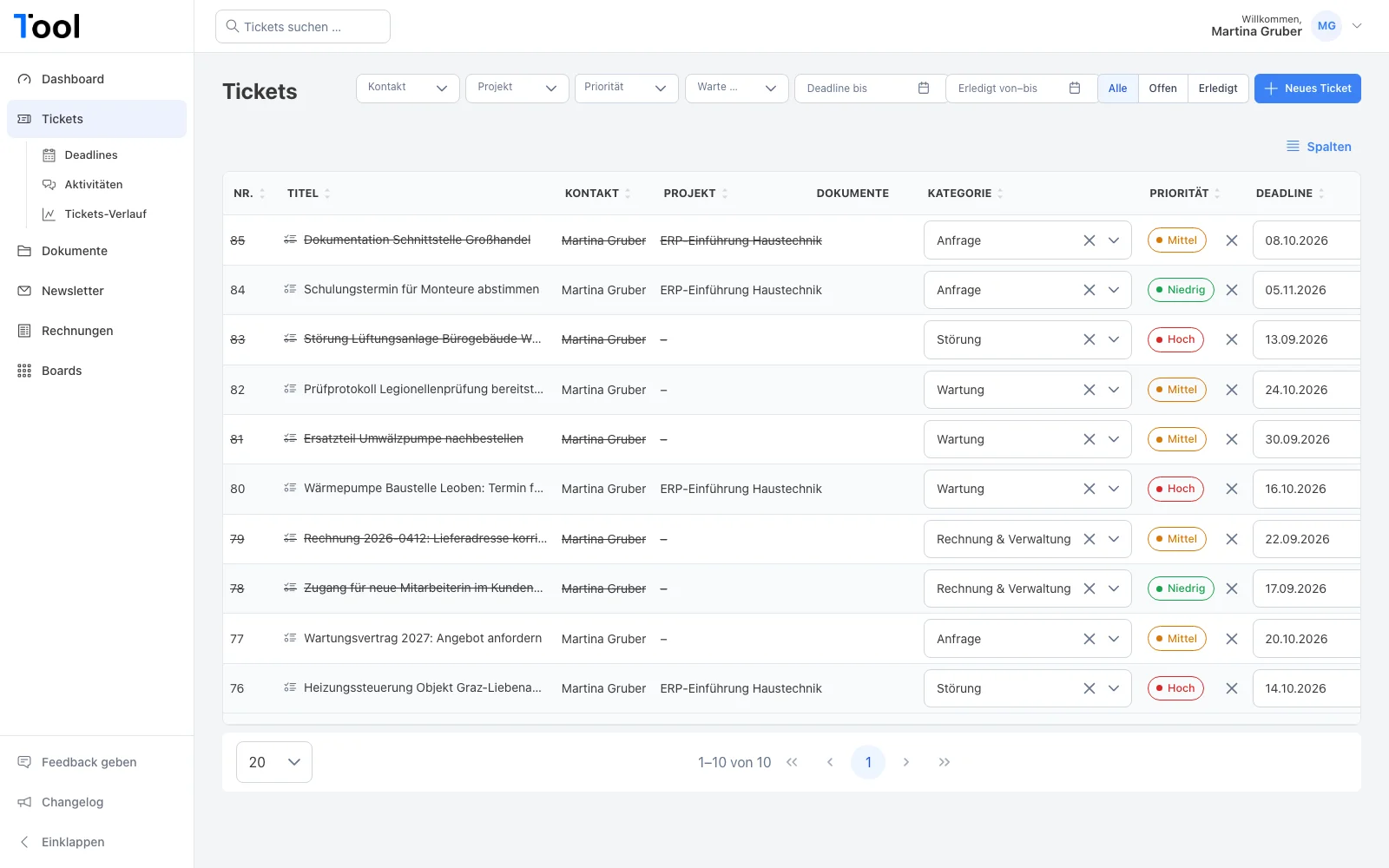
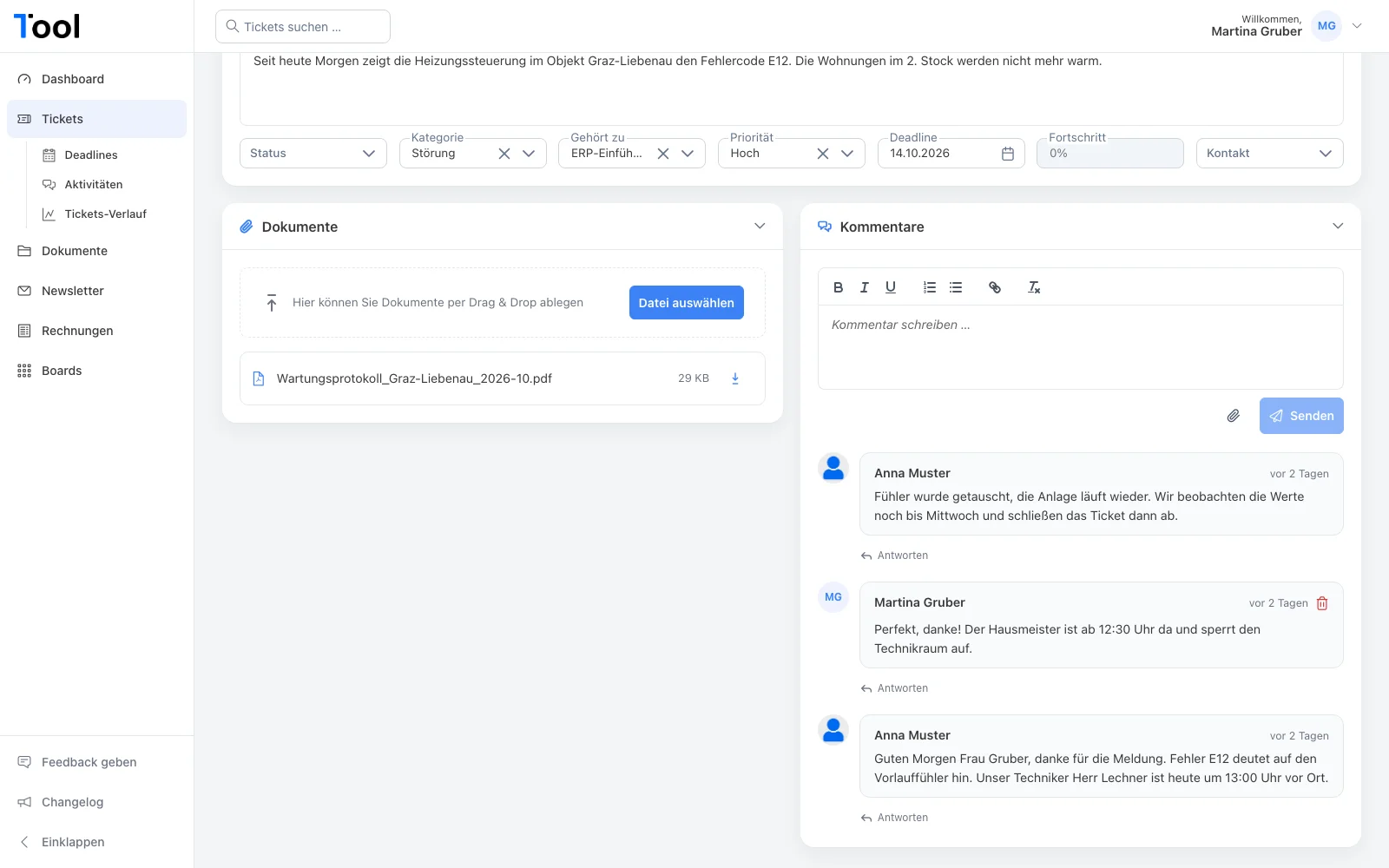
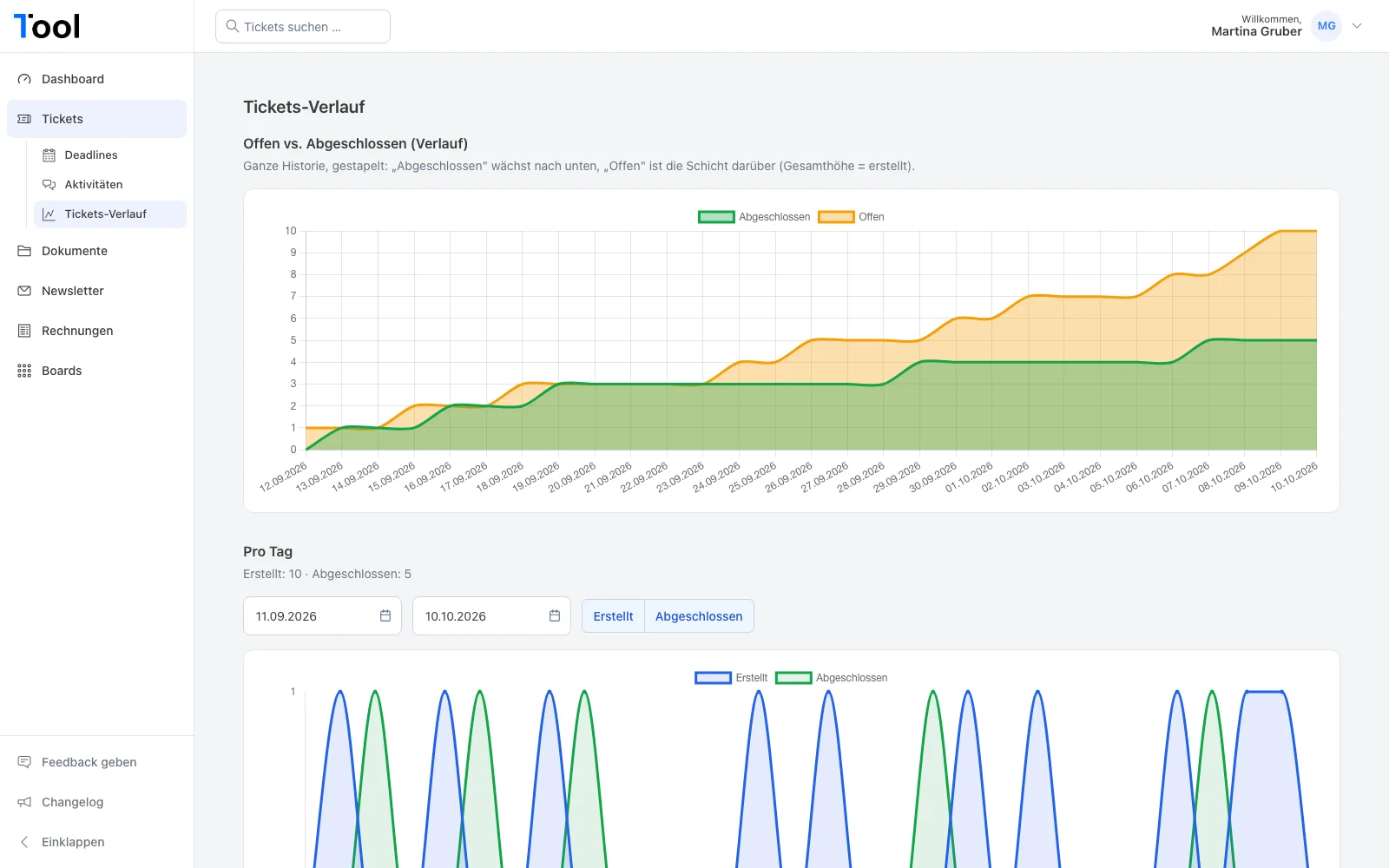
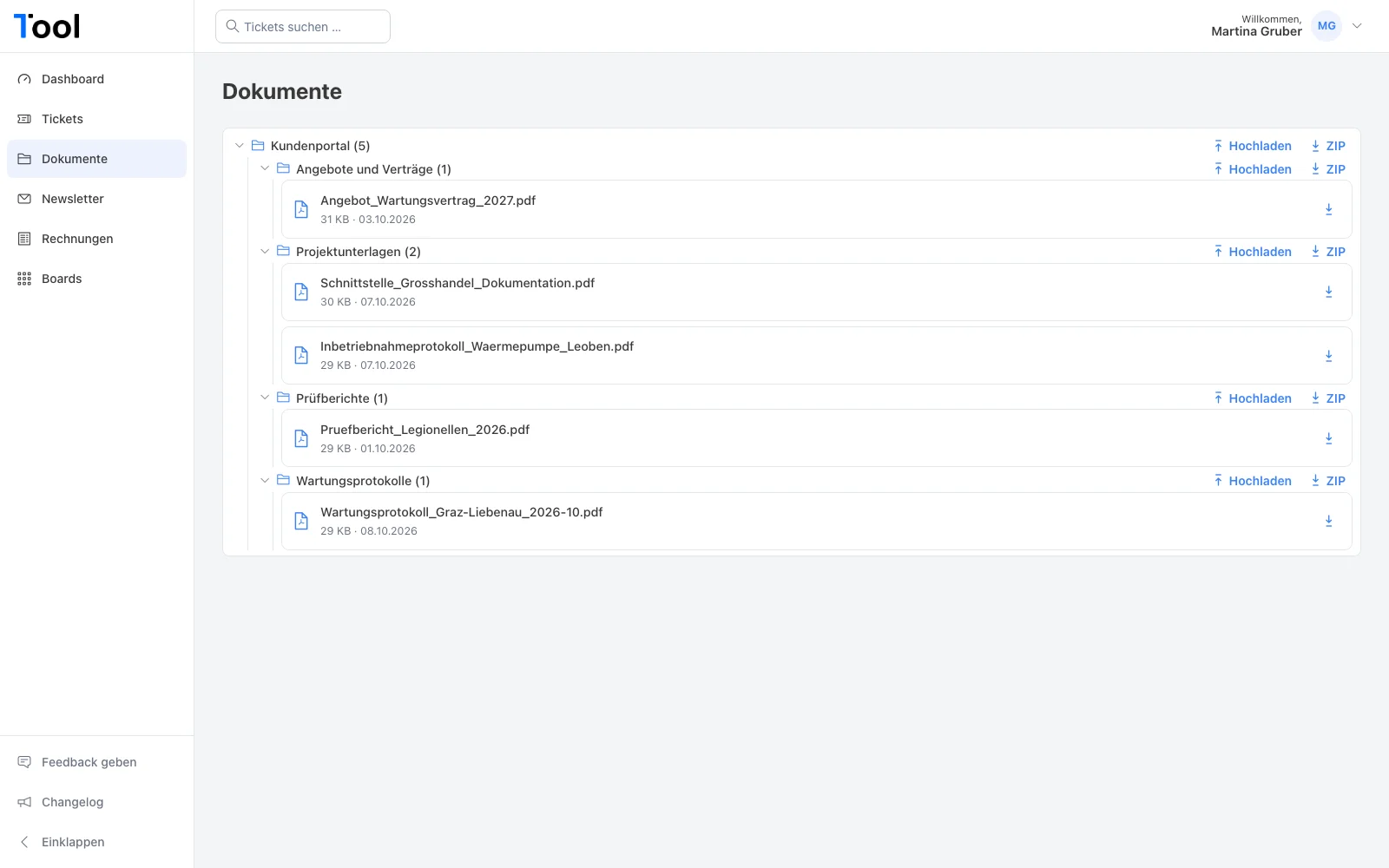
Sample data from our demo tenant – all companies and names are fictional.
The portal reads and writes directly in 1Tool. You control what a contact sees through the contact hierarchy, folder permissions and contact groups – sub-contacts only see what is meant for them.
Nothing. You book the portal as a module in 1Tool.
Yes, into the folders you share for that purpose – and photos straight from the camera to a ticket.
No. They only see what you make visible to the customer.
Thirty minutes on screen, with your own workflows – and a clear answer on whether the app is right for you.