
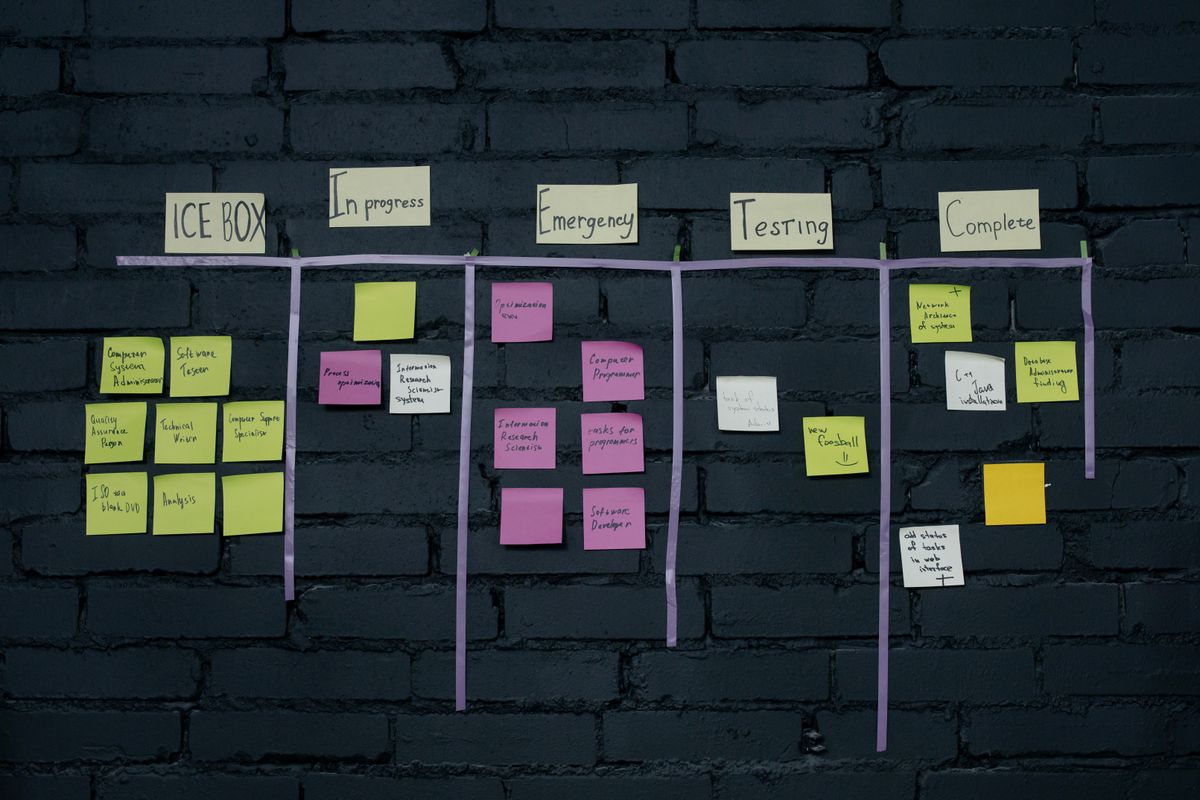
When you are filling several vacancies at once, a plain list view quickly makes you lose track of which stage each application is at. Recruiting teams need a view that makes the progress of many parallel applications visually tangible – and a way to filter a narrower selection out of the whole pool. For this, 1Tool's applicant management module offers two additional views alongside the classic list: a Kanban board and a dedicated shortlist.
Progress at a glance: the board
The "Board" tab provides a Kanban board view. Instead of seeing applications only as rows in a list, you can arrange them visually by status. For a recruiting team handling several positions in parallel, this is a clear advantage: at a glance you can see how many applications are at which stage, where applications are piling up and where active follow-up is needed – without having to open each application individually.
The final selection: the shortlist
In addition to the list and the board, there is a dedicated "Shortlist" tab. Here, narrower candidate selections can be managed separately, apart from the full pool of all applications received. For the final decision round – for example when the three most promising candidates for an interview are selected from twenty applications – this means the narrower selection does not get lost in the overall list but exists as its own focused workspace.
Why the separation makes sense
List, board and shortlist serve different purposes within the same recruiting process: the list provides the complete, detailed overview, the board makes process progress visible, and the shortlist brings the final selection together in one place. This separation prevents the crucial pre-selection from getting lost among all the applications and makes it easier for the team to focus on the relevant candidates in the final decision phase.
Frequently asked questions
Which views are available in 1Tool's applicant management?
In addition to a classic list view, there is a Kanban board view ("Board" tab) and a dedicated shortlist view ("Shortlist" tab).
What is the advantage of the Kanban board over the list?
It makes the progress of many parallel applications visible at a glance, rather than showing them only as rows in a list.
What is the shortlist view for?
It lets you manage a narrower selection of candidates separately from the full pool of applications, for example for the final decision round.
Would you like to try the board and shortlist views in applicant management yourself?