
Good morning! We are pleased to present version 5.0 of the 1Tool app, which comes with a whole range of improvements:
- Documents can now be added to orders. This makes it possible, for example, to attach photos to working time reports.
- Incoming invoices can now be uploaded and are scanned automatically by an AI and processed with full text recognition. Among other things, the supplier, the invoice total, the invoice date and the individual items are read out. Please note that every AI scan incurs additional costs.
- In time tracking for business trips, the destination is now suggested automatically.
- The user name is now also shown in team time tracking on the dashboard.
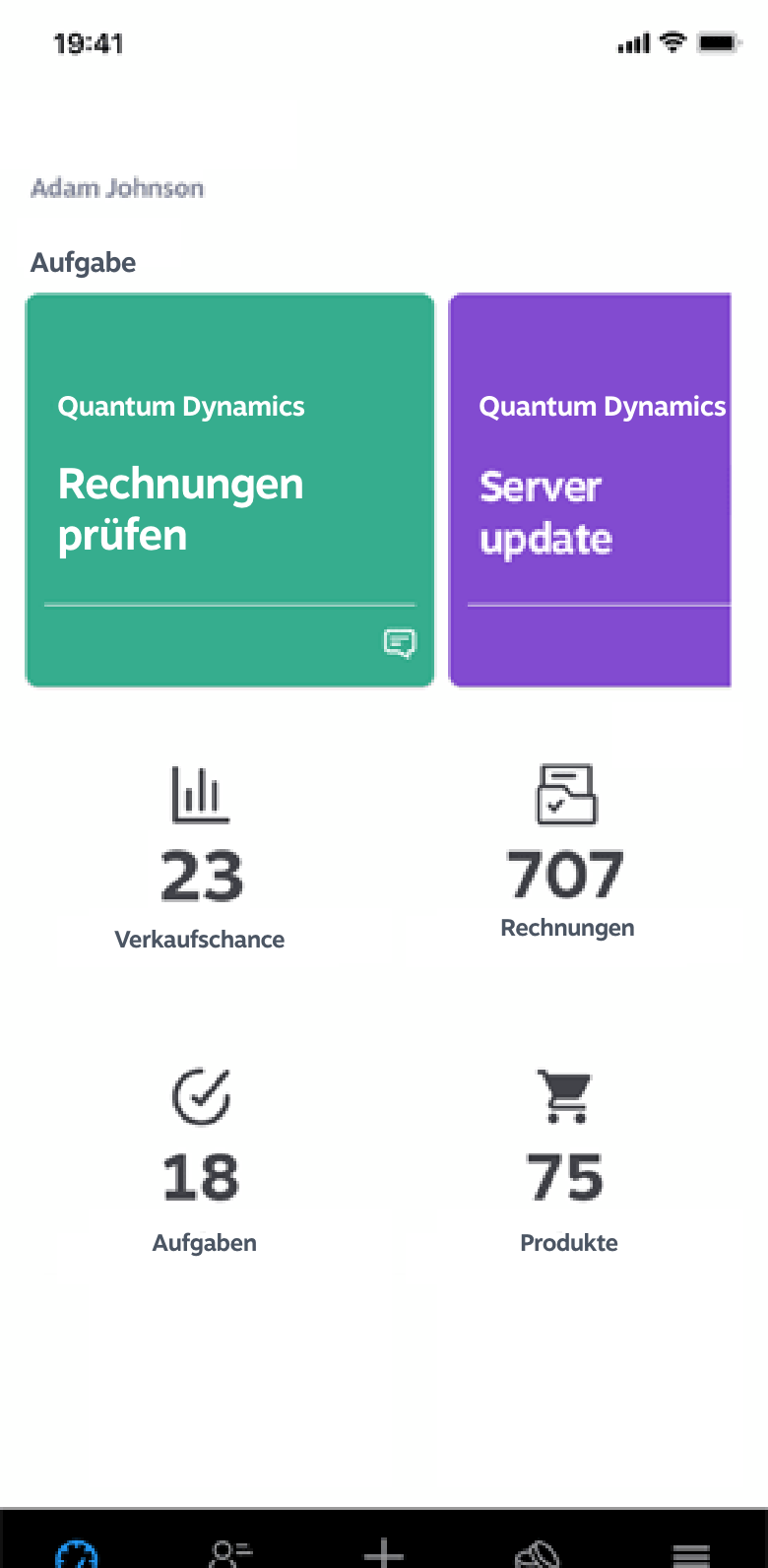
- The design of the time tracking widget on the dashboard has been reworked and made easier to use.
- In the detail view of incoming invoices, the fields for the total and the invoice status have been added.
- The loading screens have been optimised and simplified to provide a better user experience.
We are convinced that these improvements will make your work even more efficient and more pleasant.
Why major version jumps often mean more than new features
Moving to a new major version (rather than just a small interim update) usually brings not only new features but also technical improvements beneath the surface — in loading times, stability or the groundwork for future extensions. For users this is often less visible than a new feature, but in the long run it matters just as much. Anyone running an app productively in their company should install such major version updates promptly, since later features frequently build on this new technical foundation.