
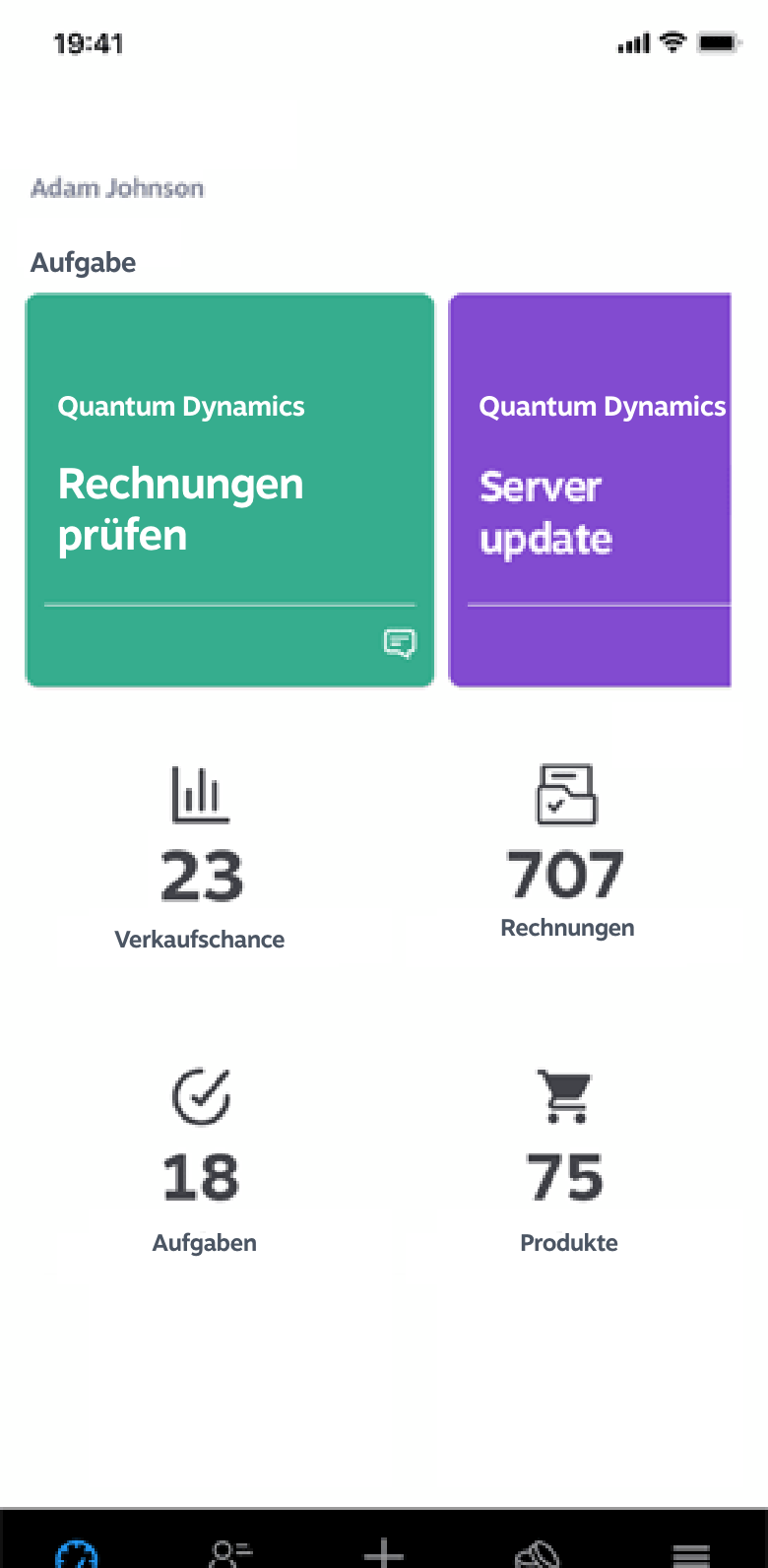
The new version 5.1 of the 1Tool app is now available and brings the following changes: Visual refinement of the dashboard: The dashboard has been revised and improved visually. Extended time tracking in projects: Additional time tracking buttons have been added, allowing time to be tracked directly for teams using start and stop functions. Check for running time tracking: When a new time entry is started, the app now checks whether an entry is already running for that user. User display in team time tracking: The user's name is shown during active team time tracking. Mandatory fields in orders: Orders (for example working time reports) now have mandatory fields that must be filled in. A signature or an image can be required, for instance. Mandatory fields left empty are clearly highlighted. Automatic report creation: After stopping time tracking, a working time report can be created straight away. New save button in tasks: The "Save" button in the task dialogue is now at the bottom of the dialogue.
What matters about app updates in everyday work
Not every app update brings spectacular new features — often it is the smaller improvements in speed, usability and stability that make the biggest difference in daily use. With an app that is used several times a day in the field, every second of faster loading time counts. Anyone introducing a mobile CRM app across a team should therefore also ask about the provider's update history — it shows how consistently performance and user experience are being worked on.
In brief
- Not every update brings spectacular features — speed and stability often matter more.
- In field work in particular, every second of faster loading time makes a difference.
- A provider's update history shows how consistently user experience is being improved.