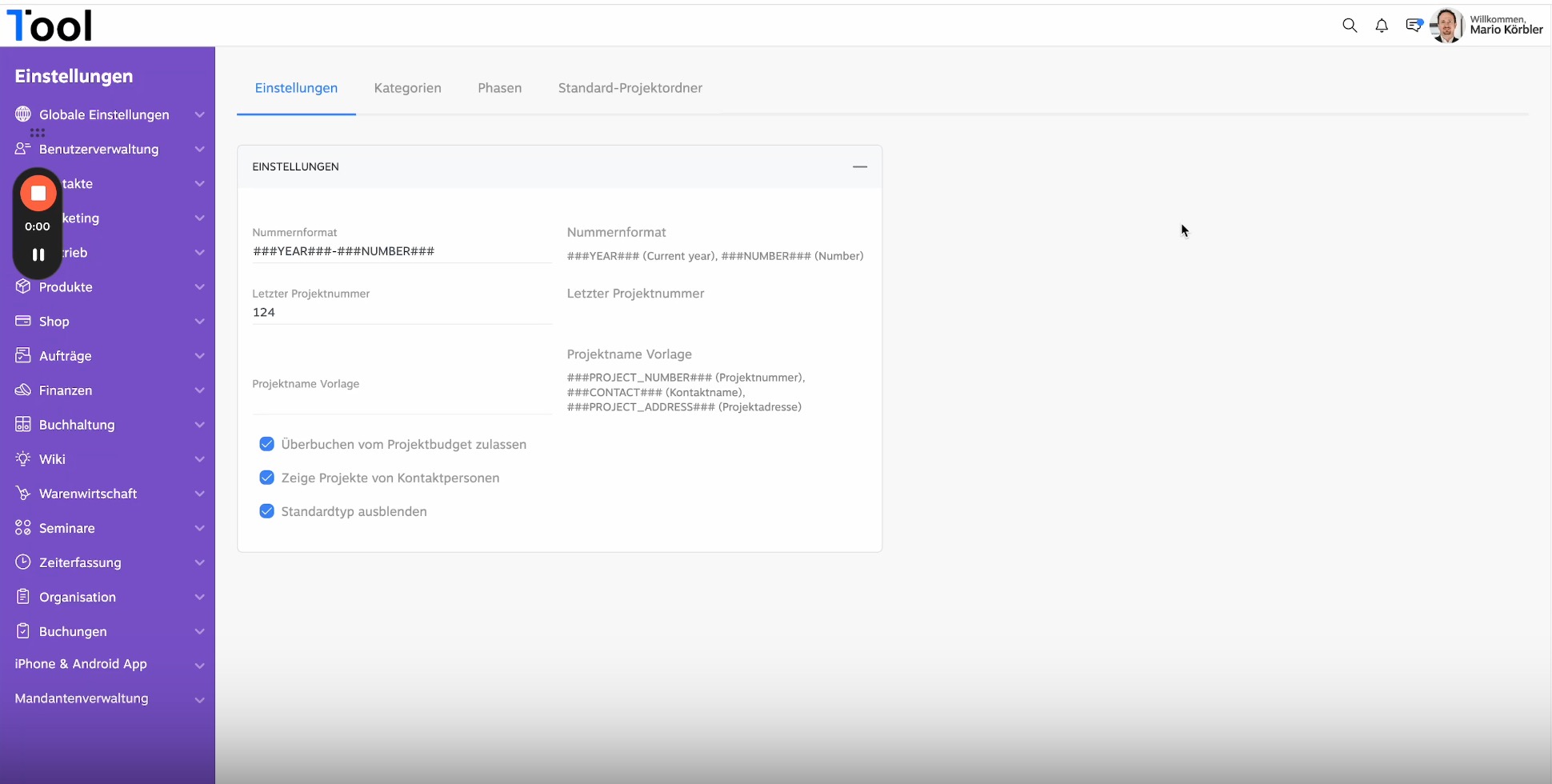
1Tool lets you manage your projects effectively. The platform offers an intuitive interface that allows you to organise tasks, track progress and improve team communication. Built-in functions for project planning, document management and reporting make collaboration easier and increase efficiency. The 1Tool projects now have new settings: 0:00 We have completely reworked the project settings in 1Tool. You will find them under Organisation, Projects and Settings. These settings have four different areas. 0:12 First the general settings, where you can define the number format, for example — so that when a new project is created, the current year is always used followed by the sequential project number. 0:24 You can also maintain the last project number here. The system counts up on its own, but you can overwrite it. You can also define the name here, so that the project name is created automatically from the customer name and the project number taken from the address. 0:41 There are further options, for example allowing a project budget to be exceeded, among others. Under Categories you can define which categories of project you have. 0:56 We have "1Tool app programming" as a category, for instance. You can define which view is loaded — depending on the project there are different views you can create. 1:08 This means a 1Tool project can have different fields and different properties from an app project. For each project category you can also define which phases the project consists of, simply by selecting them here. 1:26 Under Phases you can define in general which phases exist in the projects, whether there are surveys for them, what colour a phase has and, from the other side, which categories a phase applies to. 1:39 Beyond that, you can arrange for certain standard folders to be created with every project. In our case that would be Design and Implementation, which means these two folders are created automatically whenever a new project is set up.
Blog · 23 May 2024
Project settings New